
Are you facing issues with your Free Fire account? Do you want to report a bug, recover your lost account, or get help with redeem codes? If yes, then you’re probably wondering how to Contact Garena Free Fire 2025.
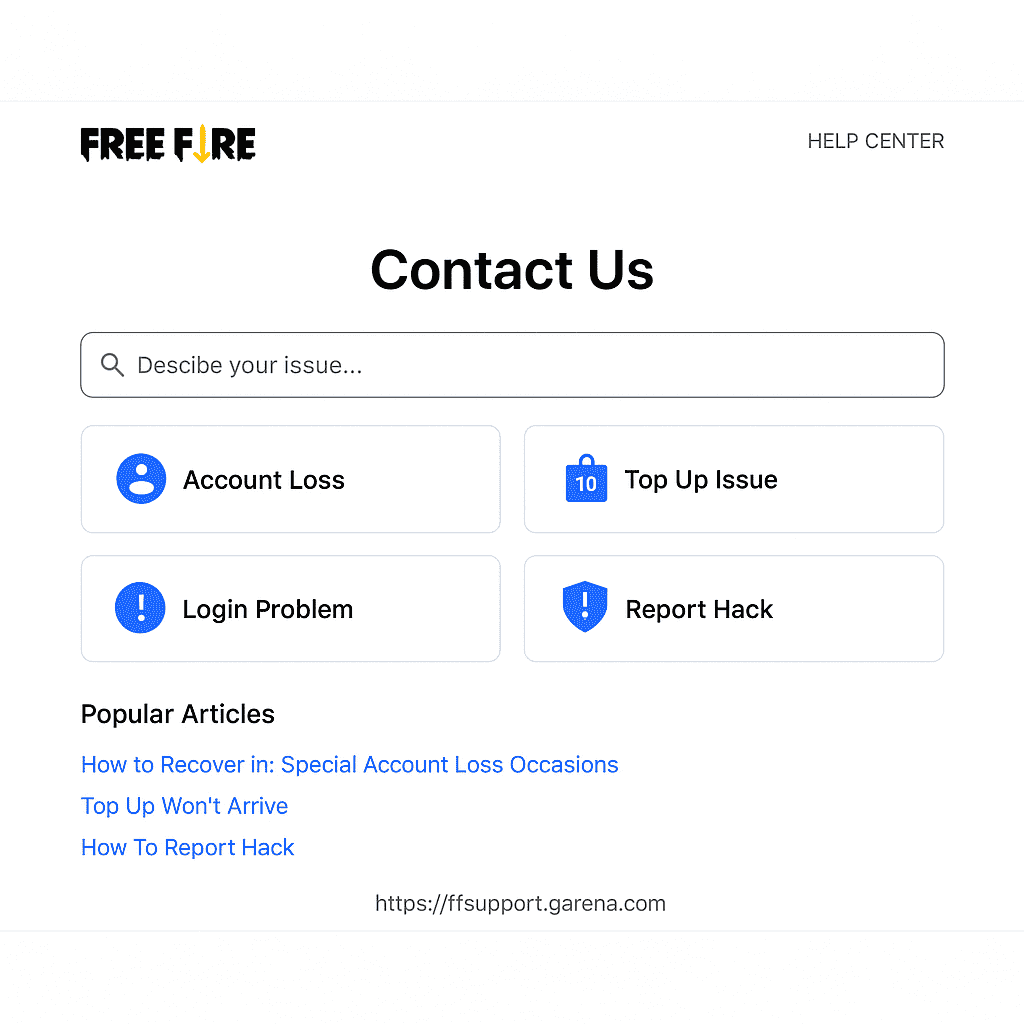
The fastest and most reliable method is the Free Fire Help Center at https://ffsupport.garena.com where you can submit support tickets related to login payment or redeem code issues. Log in with your game ID and describe your issue in detail.
You can also access in-game support from the app by going to Settings > Customer Service. If you’re part of the Advance Server program, visit https://ff-advance.ff.garena.com to report technical problems or activation code issues.
Need quicker replies? Try messaging Free Fire official social media accounts on Facebook Instagram or Twitter. Always include your Player ID and issue clearly.
Avoid using fake emails or spamming as it may lead to account suspension.
Top Reasons to Contact Garena Free Fire
Players usually contact Garena for these common reasons:
- Account recovery
- Reporting hackers or cheaters
- Problems with Free Fire Advance Server
- Issues with FF Redeem Codes
- Buying or not receiving diamonds
- Technical issues or bugs
If you are facing any of the above problems don’t worry. Garena provides several official methods to contact them.
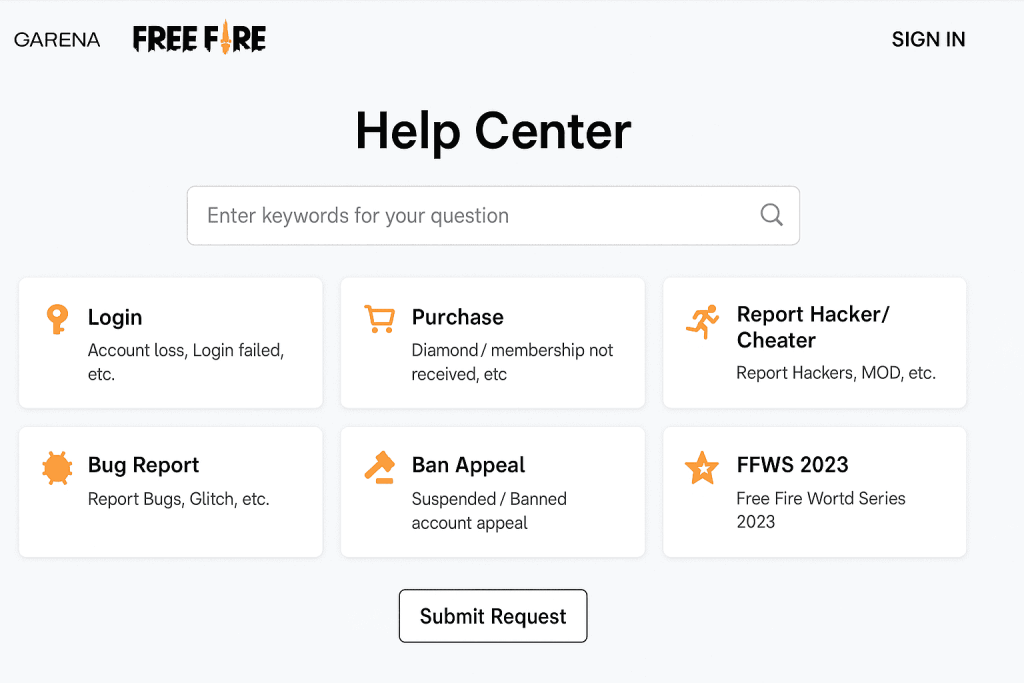
1. Contact via Free Fire Customer Support (Help Center)
The most trusted and direct way to contact Garena is through the Free Fire Help Center.
Steps to contact:
- Visit the official Help Center: https://ffsupport.garena.com/
- Log in using your Free Fire account (Facebook, Google, VK, etc.)
- Choose your issue type: Login, Purchase, Report Hackers, etc.
- Fill in the details and attach screenshots (if needed)
- Submit your request
Pro Tip:
Make sure to check your email regularly after submitting a ticket. Garena usually replies within 24–72 hours.
2. Contact via In-Game Support
Garena also allows users to get support directly from the Free Fire game app.
How to access:
- Open Free Fire game
- Go to Settings > Customer Service
- A web browser will open Garena’s support page
- Fill out the support form and submit
This option is very helpful when you can’t access the website or want to report in real-time.
3. Email Garena Free Fire (2025)
While email isn’t the most preferred method now, some users still try this for more formal issues.
Official Email (Asia Region):
- ff.support@garena.com
- support@garena.sg
Garena usually replies within 48-72 hours so be patient while waiting for a response. Always use the email linked to your Free Fire account for faster verification. Email support is recommended for complex issues that cannot be solved via the in-game help center. It’s a safe and official way to contact Garena Free Fire 2025.
4. Contact via Social Media (Fast Response)
Garena is active on their official social media accounts and often helps players through DMs.
Official Free Fire Accounts:
- Facebook: facebook.com/freefire
- Instagram: @freefire
- Twitter (X): @FreeFire
Send them a message with your player ID and issue. Make sure not to share sensitive data in public comments.
5. Free Fire Advance Server Contact
If you are testing the latest features on the Free Fire Advance Server, and facing problems like login errors or activation code issues, use this link:
https://ff-advance.ff.garena.com/
There is a support form available there during open beta testing.
Important Tips Before Contacting Garena
- Always use your registered account email for faster verification.
- Attach clear screenshots to explain your issue.
- Avoid using fake info or spamming it may lead to ban.
Final Words
Now you know how to contact Garena Free Fire in 2025 using the official support system, social media, and other methods. Whether you’re dealing with account problems, bugs, or want to report a hacker Garena’s team is ready to help.
Stay connected stay fair and enjoy the battle!